How it works
- Enter one URL, or switch to bulk mode and paste up to 25 URLs, one per line.
- The tool requests each URL with a Googlebot User-Agent and works through the checks in a fixed order: robots.txt, redirects, noindex, canonical, sitemap, content.
- The first check that blocks indexing sets the final status; checks that only raise concerns add warnings instead.
- You get a step-by-step chain with a tick or cross per check and a fix for every problem; bulk runs return a table you can export as CSV.
What it checks
- robots.txt — whether the file allows Googlebot to fetch the path. You can inspect the rules themselves with the Robots.txt Tester.
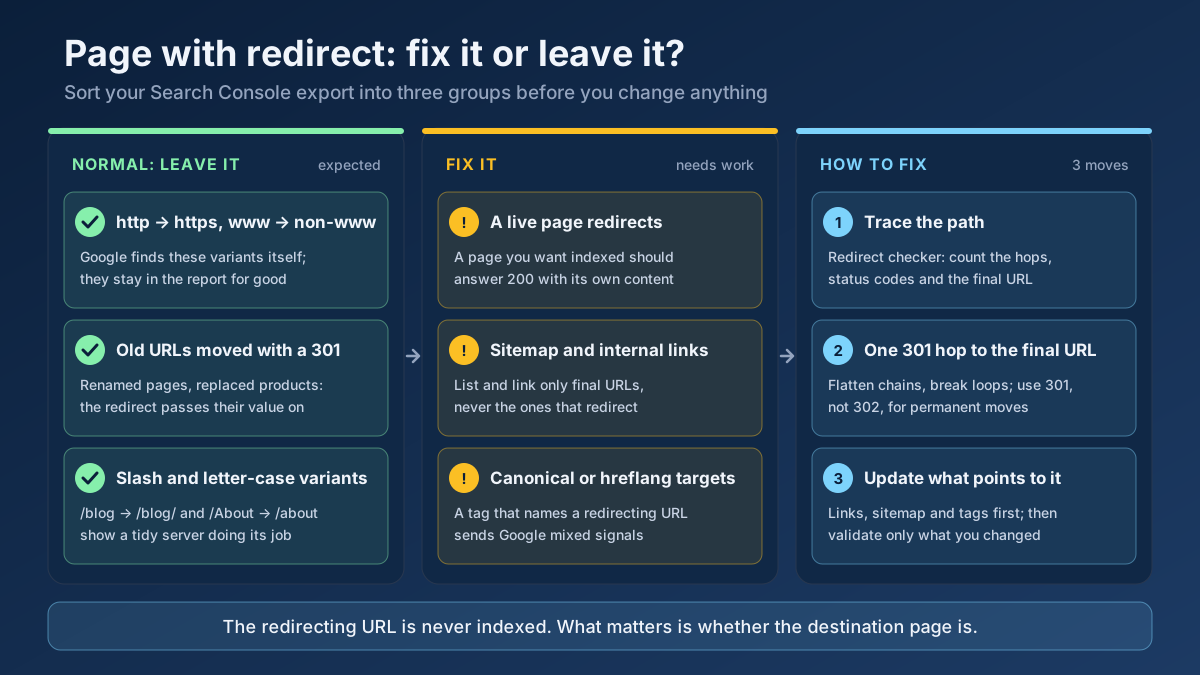
- Redirect chain — loops, 4xx and 5xx responses along the way, plus a soft-404 heuristic: a 200 status whose title or body says "not found" or "404" and carries little content.
- noindex rules —
noindex or none in the meta robots tag, the meta googlebot tag and the X-Robots-Tag header, including repeated headers and values prefixed with googlebot:. - unavailable_after — whether a declared expiry date has already passed.
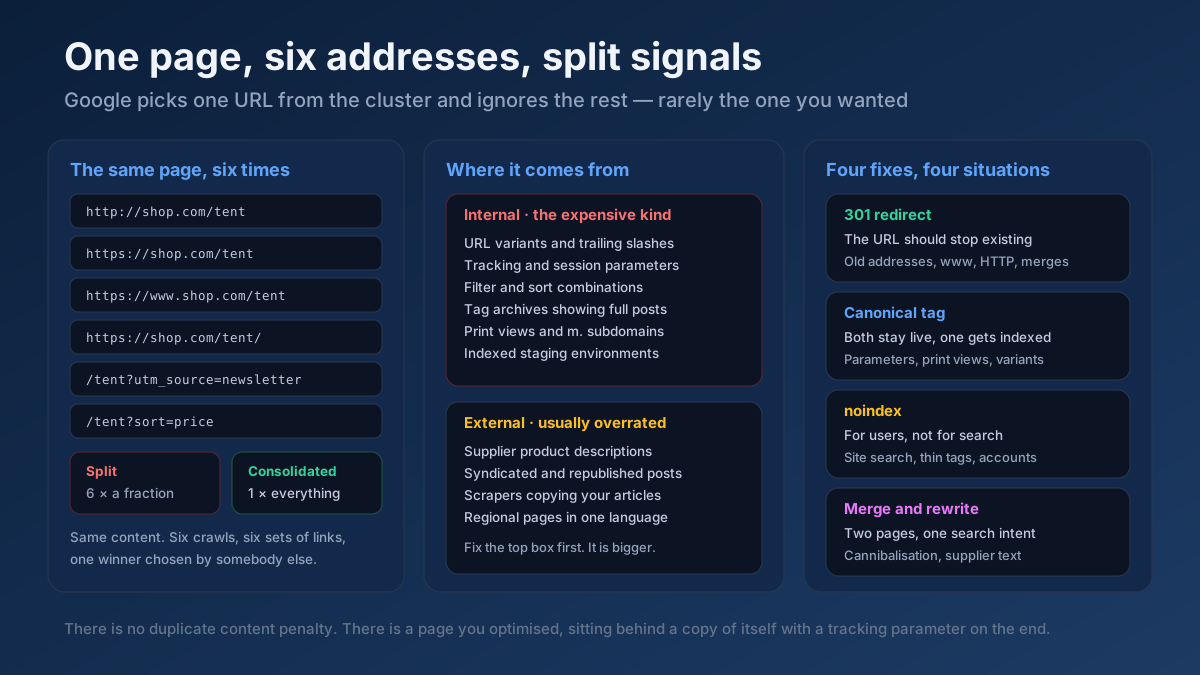
- Canonical tag — missing (warning), self-referencing (good), relative (warning), more than one (error), or pointing to another URL (info, because Google may index that URL instead; the target's own status is checked too). Conflicts between the canonical and a redirect are flagged.
- Sitemap presence — sitemaps listed in robots.txt and
/sitemap.xml are read, with sitemap indexes followed recursively up to 10 files. URLs are normalized, but trailing-slash and http/https mismatches are reported separately. - Content type — a non-HTML response is noted as information.
- Thin content — pages under 200 words get a warning.
Why it matters
A page that cannot be indexed cannot appear in search, however good its content is. The causes are often invisible in a browser: a leftover X-Robots-Tag header from staging, a canonical pointing at an old URL, or a redirect that ends in a 404. Checking in the order a crawler meets them shows which problem actually stops the page. The score is our own measure, not a Google rule: 0 when a blocker is found, otherwise 100 minus 10 for each warning. And indexable is not the same as indexed — Google can still choose to leave out a page that passes every check, for example because it judges the content similar to another page or not useful enough.
How to fix common problems
If robots.txt blocks the URL, remove or narrow the matching Disallow rule. For noindex, find where it is set: the HTML head, a plugin setting, or a server or CDN rule that sends X-Robots-Tag — the HTTP Header Checker tool shows the raw headers. Replace redirect chains with a single 301 to the final URL and check them with the Redirect & HTTP Status Checker. Give each page one absolute, self-referencing canonical unless you deliberately want another URL indexed. Add missing pages to your sitemap using the exact URL form you want indexed. If a page relies on JavaScript to show its content, test it with the JavaScript Rendering Checker.
Frequently asked questions
Does INDEXABLE mean my page is in Google?
No. INDEXABLE means none of the checks found anything that stops Google from indexing the page. Google still decides whether to include it, and pages that pass every check can stay out of the index. To see the actual status, use the "Is it actually indexed?" panel with your own Search Console data, or URL Inspection in Search Console.
How does the "Is it actually indexed?" panel work?
When the site operator has configured Google sign-in, signed-in users can connect their own Search Console with read-only access. The tool then calls the URL Inspection API for a property you have verified and shows the coverage state, indexing state, last crawl time, and the Google-selected versus user-declared canonical. It never scrapes Google "site:" results.
What is the difference between BLOCKED and AT_RISK?
BLOCKED means a check found something that prevents indexing, such as a robots.txt block or a noindex rule, and shows the reason. AT_RISK means nothing blocks the page, but there are warnings — for example a missing canonical, thin content or a URL absent from the sitemap — that are worth fixing.
Why is a canonical pointing elsewhere only marked as info?
A canonical to another URL is often intentional, for instance on filtered or duplicate pages. It is a hint rather than a block, but Google may index the target instead of this URL. The tool checks the target's status too, so you can see whether it is indexable.
How does the soft-404 check work?
It is a heuristic: if a page returns 200 but its title or body says "not found" or "404" and there is little other content, the tool flags a possible soft 404. Google can treat such pages as errors, so a real missing page should return a 404 or 410 status.
Can I check several URLs at once?
Yes. Bulk mode accepts up to 25 URLs per run and returns a table with the status and main reason for each URL, which you can export as CSV. For a wider crawl, the Technical Site Audit (Crawler) covers more pages.