How it works
- Enter the page URL (for example
https://example.com/page) and your target keyword. - The tool fetches the actual page over HTTP, just like a search crawler, and parses its HTML.
- It checks each on-page location for the keyword and measures its density across the body text.
- You get a score with a pass/warn/fail breakdown showing exactly which placements are present or missing.
What it checks
- Title tag — whether the keyword appears, and ideally near the front.
- H1 heading — the main on-page heading reflects the target term.
- URL slug — the keyword is present in the address path.
- Meta description — the term is used in the snippet that shows in search.
- First paragraph — the keyword appears early in the body copy.
- Keyword density — how often the term occurs relative to total words.
- Subheadings & ALT text — supporting placements in H2–H6 and image descriptions.
- Page basics — title and meta description length, amount of main content, a single H1 and whether the page can be indexed.
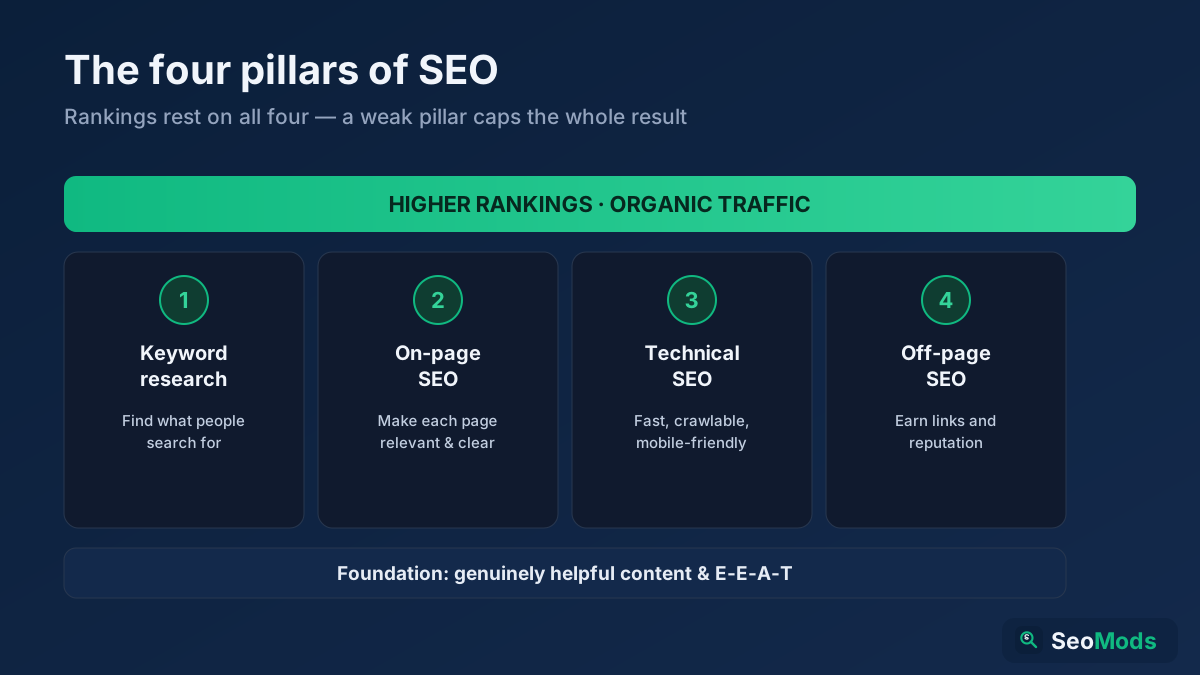
Matching ignores case, accents, punctuation and hyphens, so on page seo finds “On-Page SEO”. An exact phrase earns full points, all the words in another order earn most of them, and only some of the words earn a little.
Compare against competitors
Add up to two competitor URLs and the same keyword is checked on every page. You get the scores side by side, each check per page, content depth (words, subheadings, images, links), the checks a competitor meets that your page does not, and frequent terms on their pages that never appear on yours.
Common use cases
- Optimizing a target page — confirm a page actually targets the keyword you chose.
- Fixing a page that won't rank — find the missing placements holding it back.
- Briefing writers — turn the checklist into clear editing instructions.
- Avoiding over-optimization — spot when density is high enough to look like stuffing.
Example
Run the page example.com/best-running-shoes against the keyword best running shoes and you might see green checks for the URL and H1, a warning that the keyword is missing from the meta description, and a note that density is 0.4% — a signal to weave the term in a little more naturally.
Frequently asked questions
Is the On-Page SEO Checker free?
Yes — completely free, with no signup and no limits. Check as many keyword-and-page combinations as you like with real, live data.
Does a perfect score guarantee a #1 ranking?
No. On-page targeting is one important factor, but rankings also depend on content quality, intent match, links and competition. This tool ensures the page is clearly optimized for your term — the rest is covered by off-page work and great content.
How is this different from a general page audit?
This tool grades a page against one specific keyword, while the On-Page SEO Audit reviews overall on-page health. Pair it with the Keyword Density Checker to inspect phrase frequency, and learn the fundamentals in our on-page SEO guide.
Is this a page keyword checker?
Yes. Enter a page and a target keyword and it works as an on-page keyword checker, scoring how well the term is placed in the title, H1, URL and body so you know exactly what to adjust.