How to See Google Results From Another Country
See Google results from another country or city: why they differ, how gl, hl and UULE work, when a VPN is enough and when a local proxy is the better tool.
Read article →Test up to 20 HTTP, HTTPS or SOCKS proxies at once: whether each one works, its speed, exit IP and country, anonymity level (transparent, anonymous or elite) and whether Google answers through it.
Fetching live data…
The Proxy Checker tests up to 20 HTTP, HTTPS, SOCKS5 or SOCKS4 proxies in one run and tells you, for each one, whether it works, how fast it answers, which IP address and country websites will see, how anonymous it is and whether Google accepts traffic from it. Paste the list in almost any format, with or without a username and password.
ip:port, ip:port:user:pass, user:pass@ip:port or a URL such as socks5://user:pass@host:1080.generate_204 address.A proxy that is slow, transparent or already blocked by Google will quietly spoil whatever you use it for: rank checks return CAPTCHAs, a geo-test shows the wrong country, or the proxy forwards the very address you wanted to hide. Free public lists are the worst case, as most entries die within hours and many are transparent. Paid proxies fail too, and most providers only replace or refund them within a short window after purchase, so testing on day one saves money.
No. Credentials are used only for the requests in this test. They are not written to our logs, which record only how many lines you submitted, and the results table masks every password.
The speed shown is measured from our server, so it includes the distance between our server and the proxy. A proxy close to you can be quicker from your machine. Compare proxies with each other in one run rather than reading the number as absolute.
For safety the checker refuses private and reserved addresses, our own server, and ports used by non-proxy services such as SSH, mail or databases. It also limits each run to 20 proxies and a few runs every ten minutes. To see the address your own connection shows, use What Is My IP?.
Guides, tips and tutorials hand-picked for this tool — go from running a check to actually fixing it.
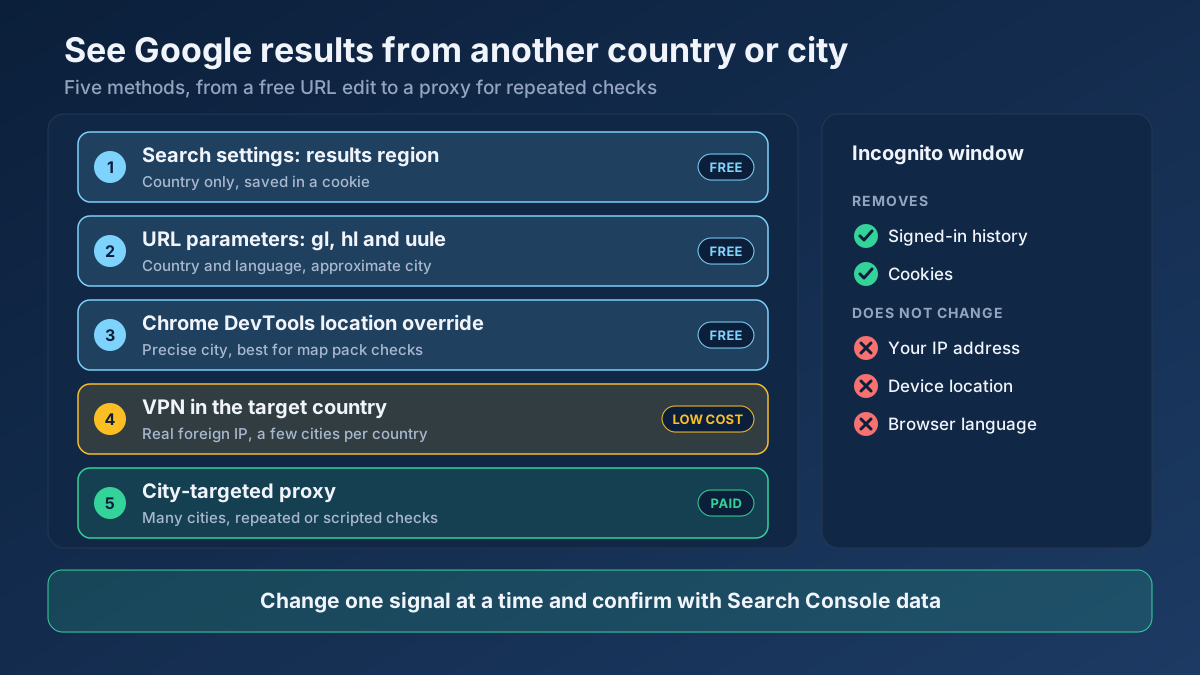 Keyword Research
See Google results from another country or city: why they differ, how gl, hl and UULE work, when a VPN is enough and when a local proxy is the better tool.
Read article →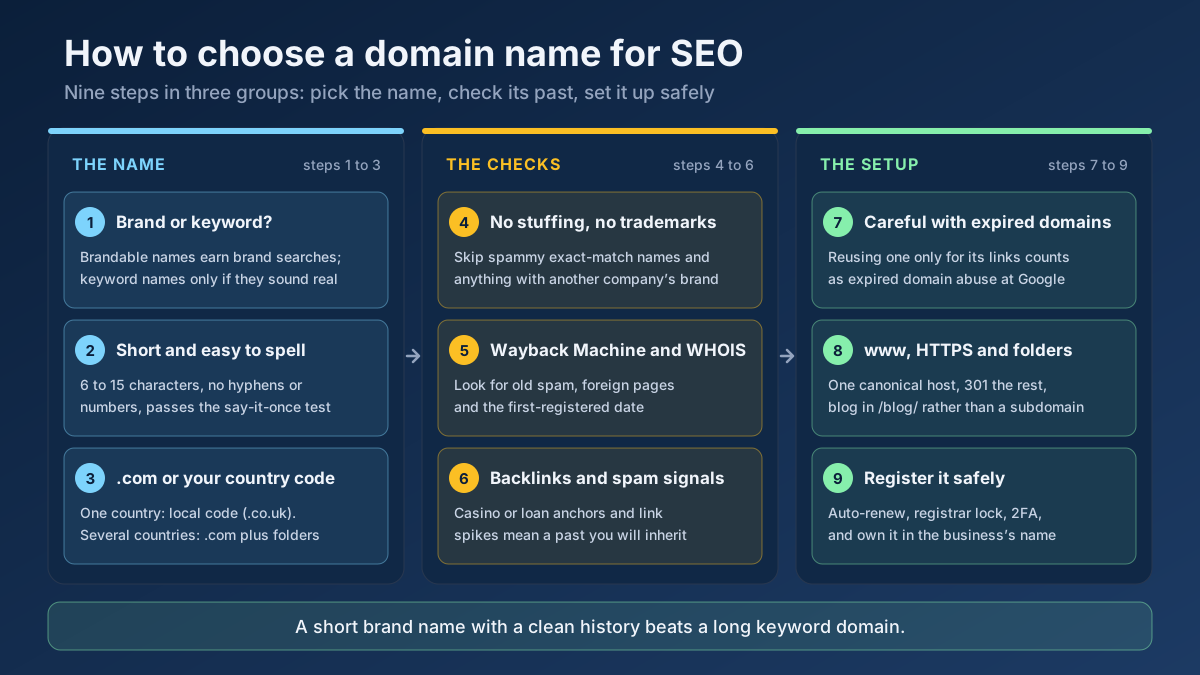 Technical SEO
How to choose a domain name for SEO: brand vs keyword names, the best extension, how to check a domain’s history and when an expired domain becomes a risk.
Read article →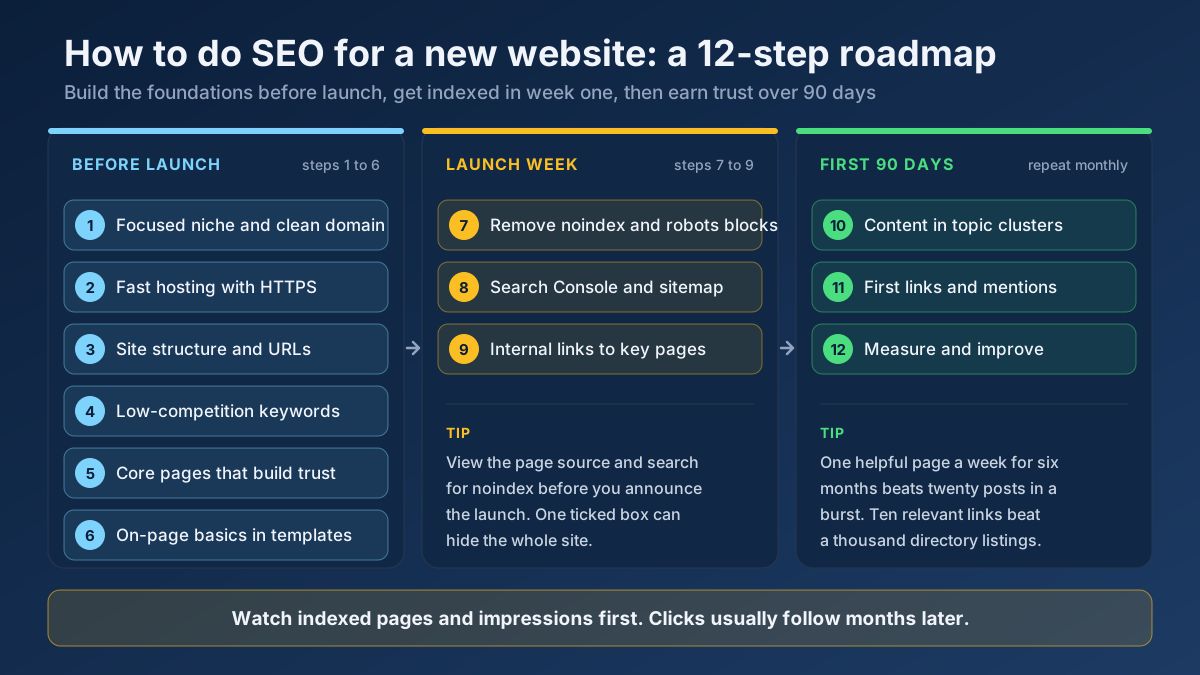 Technical SEO
Learn how to do SEO for a new website in 12 steps: what to set up before launch, how to get indexed in week one and how to earn traffic in the first 90 days.
Read article →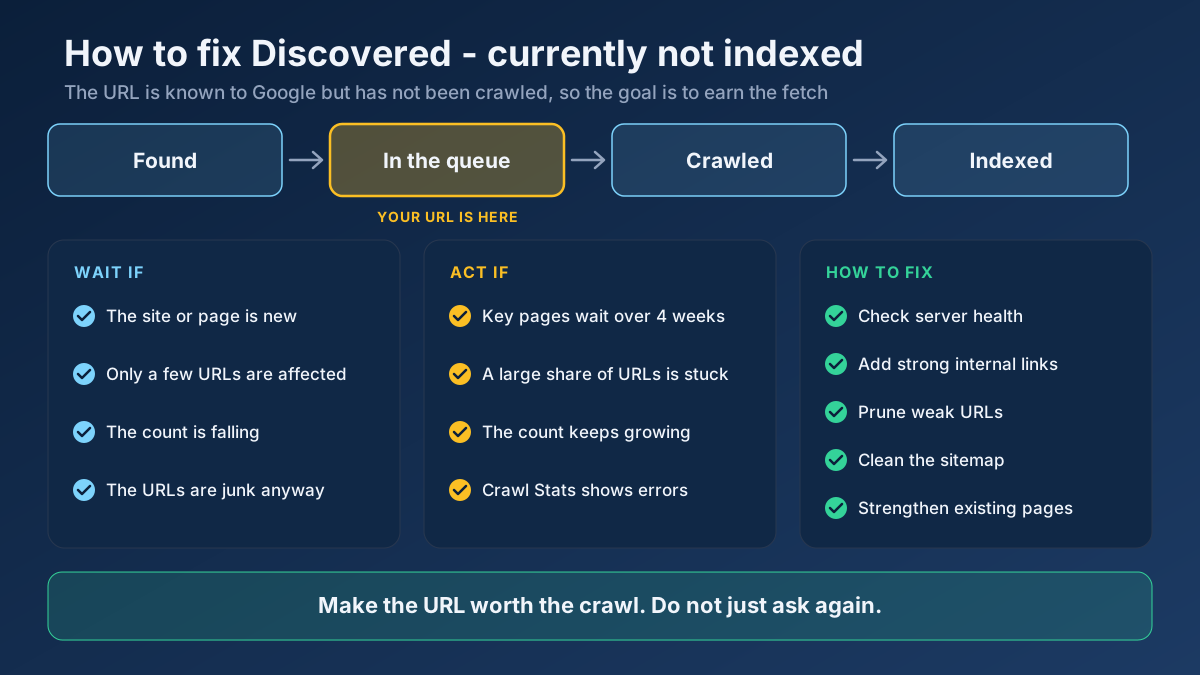 Technical SEO
Learn how to fix Discovered - currently not indexed: when to wait, how to find the real cause and 10 steps that earn Google’s crawl without resubmitting.
Read article →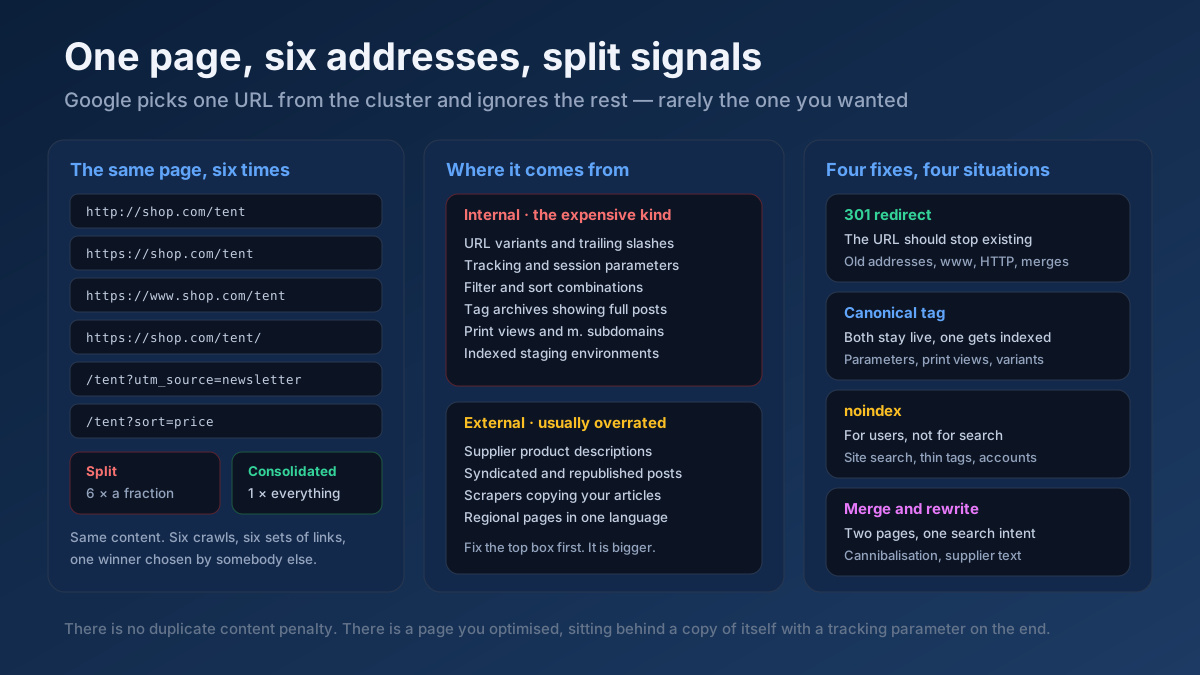 Technical SEO
How to fix duplicate content issues in 9 steps: find every duplicate URL, choose between a canonical, a 301 and noindex, and stop the problem returning.
Read article →Faster pages rank better and convert better. Here is a prioritized checklist that actually moves the needle.
Read article →Convert a proxy list between ip:port:user:pass, user:pass@ip:port and URL formats, or turn it into ready-to-paste curl, Python requests, Node.js, Puppeteer and Playwright settings. Runs in your browser.
Open tool →See the public IP address websites see for you, with its location, ISP, connection type (home, mobile, datacenter or VPN), proxy header leaks, WebRTC leaks and time zone match.
Open tool →Fetch and parse a site’s robots.txt, test any URL against it for Googlebot and Bingbot, list rules per user-agent and locate sitemap declarations.
Open tool →Resolve a domain/IP and get real geolocation, ISP, ASN and hosting organization data.
Open tool →Locate a domain’s XML sitemap(s), validate the format and count the URLs inside.
Open tool →Trace the full redirect chain (301/302/307) of a URL and verify the final status code.
Open tool →