Backlink Analysis & Link Building for Beginners
Backlinks are still a top ranking factor. Learn how to verify, audit and find link opportunities — without paying for an index.
Read article →Paste your backlink list (e.g. from Search Console) and flag toxic, spammy or risky links with a toxicity score.
Fetching live data…
The Toxic Backlink Audit is a free tool that scans a list of backlinks you paste in — for example an export from Google Search Console — and flags the toxic, spammy or risky ones with a clear toxicity score. Instead of eyeballing hundreds of referring domains, you get each link rated against well-known spam signals so you can decide what to monitor, ignore or disavow. There is no signup, and the analysis runs on the real link data you provide.
Toxicity here is a heuristic estimate built from public spam signals, not an official Google judgement. Use it to prioritize a manual review — never auto-disavow links on a score alone, since false positives can remove links that are actually helping you.
Paste 200 referring URLs and the tool might flag 18 as high risk — a cluster of .xyz directory pages with identical exact-match anchors — and rate the rest low. You export the high-risk group, confirm each one by hand, and add only the genuine spam to your disavow file.
No. It is an estimate derived from public spam signals to help you prioritize. Google does not publish a per-link toxicity number, so treat the score as a triage aid, not a verdict.
The easiest free source is Google Search Console's Links report. You can also verify individual suspicious links live with the Backlink Checker / Verifier before deciding.
No — disavow is a last resort and over-using it can hurt you. Review each high-risk link by hand first and follow the careful process in our toxic backlinks & disavow guide.
Guides, tips and tutorials hand-picked for this tool — go from running a check to actually fixing it.
Backlinks are still a top ranking factor. Learn how to verify, audit and find link opportunities — without paying for an index.
Read article →You do not need a paid subscription to check your backlinks. This guide shows how to verify, audit and analyze your links for free with the right tools.
Read article →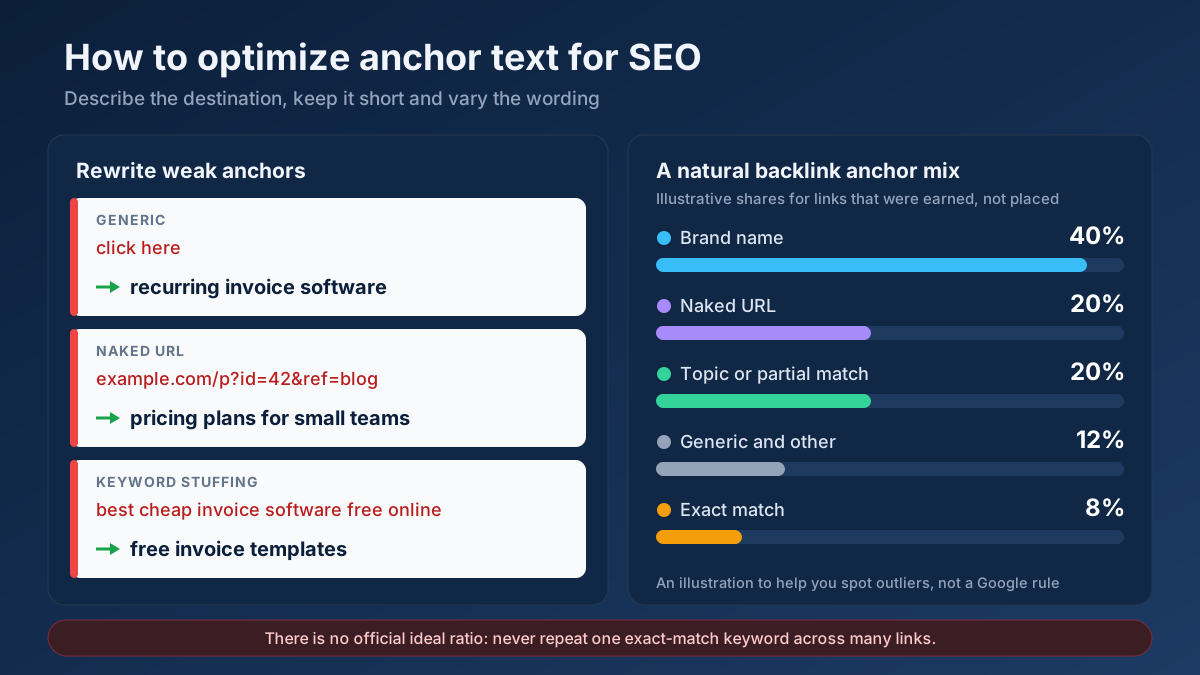 Link Building
How to optimize anchor text for SEO in 9 steps: anchor types, internal link and backlink rules, a natural ratio, rewrite examples and mistakes to avoid.
Read article →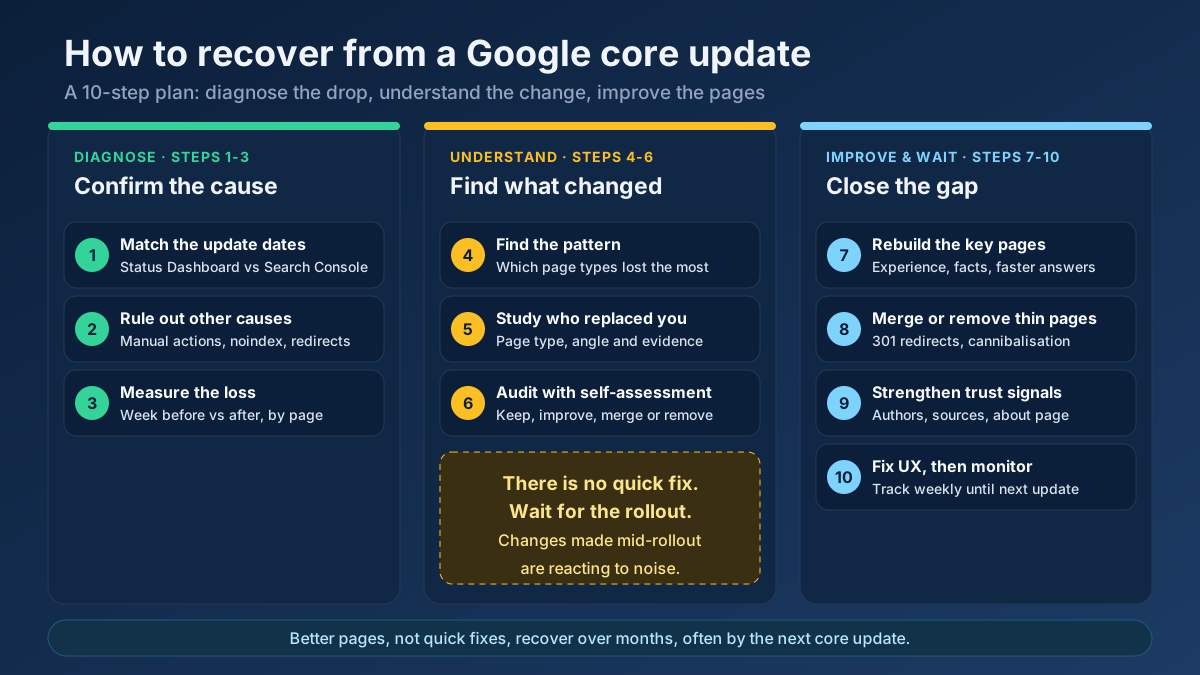 Analytics
Learn how to recover from a Google core update: confirm the drop, rule out technical issues, find the pages that lost and rebuild them in 10 clear steps.
Read article →Spammy links can drag your site down. Here is how to identify and disavow them safely.
Read article →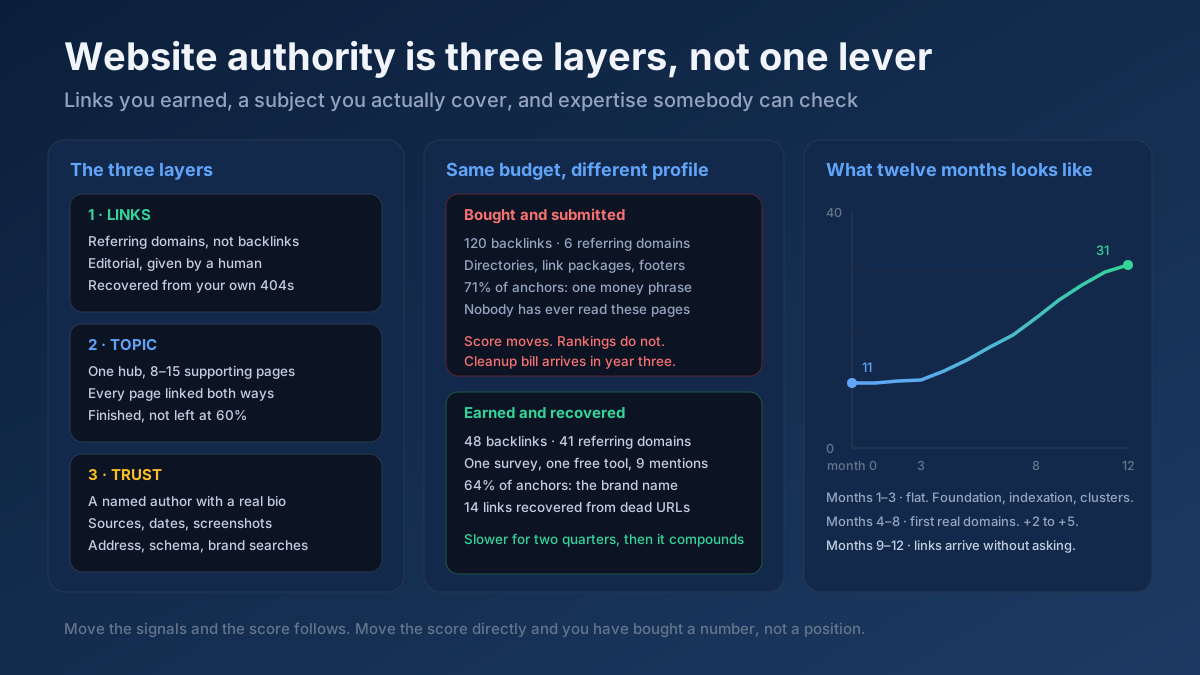 Link Building
How to increase website authority in 10 steps: what the score really measures, the link and content work that moves it, and how long each stage takes.
Read article →Full technology & SEO profile of any website (Wappalyzer + BuiltWith style): CMS, theme, plugins, framework, JS & CSS libraries, CDN, hosting, analytics, tag managers, ads, fonts, cookie tools, schema, Open Graph, security headers, HTTP version, SSL, WHOIS, DNS, IP, country and on-site SEO signals.
Open tool →Pull a domain’s most important pages from its sitemap and analyze the topics & keywords they target.
Open tool →See which domains link to any site, ranked by authority, from our own growing link index — then verify live whether specific pages really link to you, with anchor text, rel and status.
Open tool →Compare outbound link profiles of two competitor pages to find linking domains you could also target.
Open tool →Check real Domain Authority (DA) and Page Authority (PA) for any website, built on real link-graph authority data. See the raw authority index and global rank, and compare up to 20 domains at once — free, with no signup.
Open tool → EstimateEstimate where a domain ranks for a keyword by analyzing on-page relevance signals against the target term.
Open tool →Your site may have a critical PHP vulnerability
PHP2Shell (CVE-2026-109618 and CVE-2026-109619) lets attackers run code on servers running PHP older than 8.2.35, 8.3.36, 8.4.27 or 8.5.12, without logging in. Attacks have been seen since 17 October. Check whether your site is affected.