How it works
- Paste the URL of the page you want to analyze (for example
https://example.com/page). - The tool fetches the live page and extracts every
<a href>anchor. - It classifies each link as internal or external and reads its
relattribute. - You get counts, ratios and a full table of every link found.
What it shows
- Internal links — links pointing to other pages on the same domain.
- External links — links pointing to other websites.
- Nofollow vs dofollow — the ratio of links that pass or withhold authority.
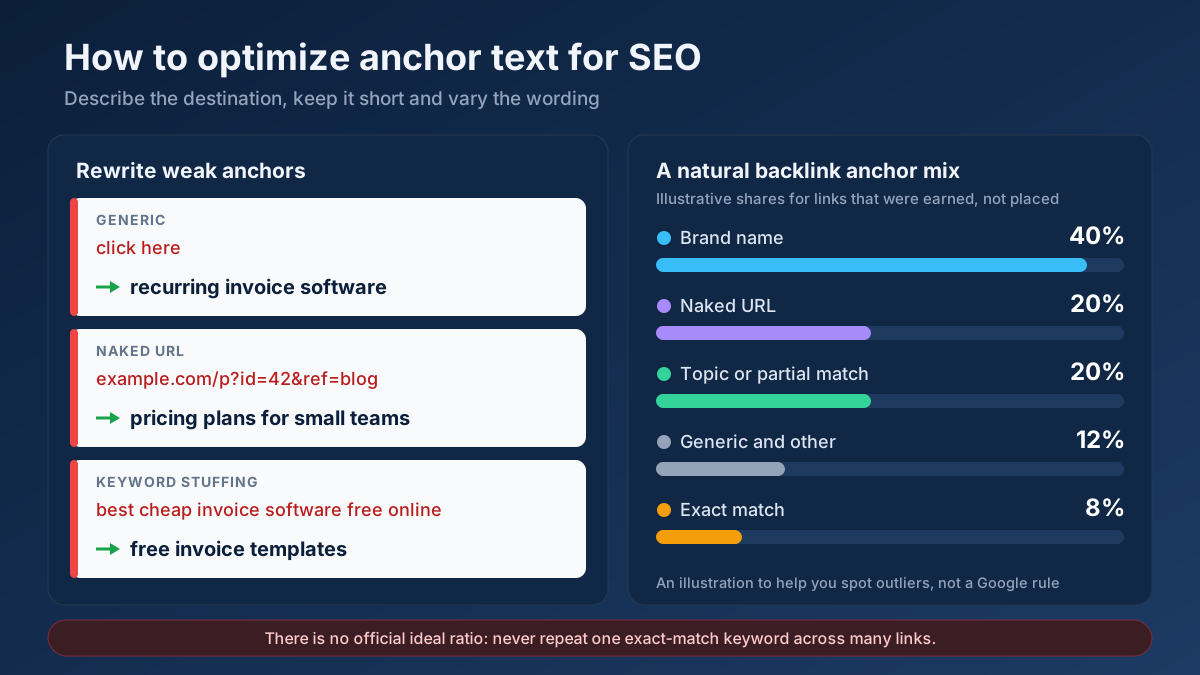
- Anchor text — the clickable text used for each link.
- Destination URLs — exactly where every link points.
- Total link count — how many links the page contains overall.
- Empty or # anchors — links with no real destination.
Common use cases
- Auditing internal linking — confirm important pages get enough internal links.
- Checking outbound links — see who you link to and whether they're nofollowed.
- Spotting link bloat — find pages with an excessive number of links.
- Competitor analysis — study how a rival structures its on-page links.
Example
Analyze an article and you might see 28 internal links, 6 external links, and that 4 of the externals are nofollowed — plus a full table showing one link points to a placeholder # anchor that should be fixed.
Frequently asked questions
Is the Link Analyzer free?
Yes — completely free, no signup and no limits. Analyze as many pages as you like with real, live data.
What's a healthy internal-to-external link ratio?
There's no fixed rule, but most good content pages carry more internal than external links, guiding readers deeper into your site while citing a few useful outside sources. Focus on relevance rather than a target number. Our internal linking guide covers the strategy.
How do I check whether those links actually work?
This tool lists and classifies the links; to test each one for dead destinations, run the Broken Link Checker. You can also review redirect behaviour with the Redirect & HTTP Status Checker.