Backlink Analysis & Link Building for Beginners
Backlinks are still a top ranking factor. Learn how to verify, audit and find link opportunities — without paying for an index.
Read article →Turn a messy list of spam URLs and domains into a clean Google disavow file: extracts domains, strips www, lower-cases, removes duplicates, drops URLs already covered by a domain: line, flags invalid lines and checks the 2 MB / 100,000-line limits. Download the .txt for Search Console.
Fetching live data…
The Disavow File Generator turns a messy list of spammy URLs and domains into a clean file you can upload to Google's disavow links tool. Paste links from an audit, a spreadsheet or a backlink export, choose whether to disavow whole domains or single URLs, and download a UTF-8 disavow.txt that follows Google's format and stays inside its size limits.
domain: lines, # comments and rows copied from CSV or Excel exports are all accepted.domain: line; Keep single URLs keeps each URL as a normalised address and only bare domains become domain: lines.www. and the port, drops #fragments, converts international domain names to punycode and takes the first URL-looking cell from spreadsheet rows.domain: line already covers, rejects invalid lines with a reason, adds a dated header and checks the 2 MB and 100,000-line limits.domain:example.com entry, a full http:// or https:// URL, or a comment starting with #, as described in Google: Disavow links to your site.https://www.Spam.com/a, spam.com/a and SPAM.com collapse into one entry, and repeated comments are kept once.domain: line covers the whole site, including www and every subdomain, so single URLs from that site are removed as redundant.ftp://, and export header rows are listed with the reason instead of being silently dropped.com, co.uk or com.tr are never turned into a domain: line, because that would point at countless unrelated sites.blogspot.com, wordpress.com, medium.com, github.com or youtube.com. Disavow the spam subdomain or the exact URL instead.domain: works on domain names, so in domain mode an IP address is rejected with an explanation; in URL mode it is kept as a single URL.Google describes disavowing as a last-resort step: it is meant for sites that have many spammy, artificial or low-quality links pointing to them, especially links that you or someone you hired built, and that you could not get removed. Google also says that most sites do not need to use the tool, because its systems generally ignore links that are not trustworthy. Read its guidance before you upload anything.
When you do need a file, small mistakes cost time. A single typo in a domain does nothing, a forgotten www. variant can leave a site partly covered, and a careless domain:blogspot.com would ask Google to discount links from every blog on the platform, good or bad. Search Console reports problems after the upload; this tool catches them before you get there.
disavow.txt.Keeping an eye on new links later? Compare your profile with rivals using the Link Intersect / Backlink Gap and track overall link strength with the Domain Rating (DR) Checker.
For spam sites, disavowing the whole domain is usually safer: the same site often links from many pages, and new pages appear after your file is uploaded. Use single URLs when the domain is a legitimate site or shared platform and only one page or one user's content is the problem.
Yes. A line such as domain:example.com covers www.example.com, blog.example.com and every other subdomain. That is why the tool removes URLs and subdomain lines that a parent domain: entry already includes.
Yes. The tool detects comma, semicolon and tab separated rows, strips quotes, skips the header row and takes the first cell that looks like a URL or domain. Extra columns such as authority scores, anchors or dates are ignored.
No. The list is processed in memory to build the file and is not saved, and the tool makes no network requests to the domains you paste. The Disavow File Generator is free and needs no sign-up.
Guides, tips and tutorials hand-picked for this tool — go from running a check to actually fixing it.
Backlinks are still a top ranking factor. Learn how to verify, audit and find link opportunities — without paying for an index.
Read article →You do not need a paid subscription to check your backlinks. This guide shows how to verify, audit and analyze your links for free with the right tools.
Read article →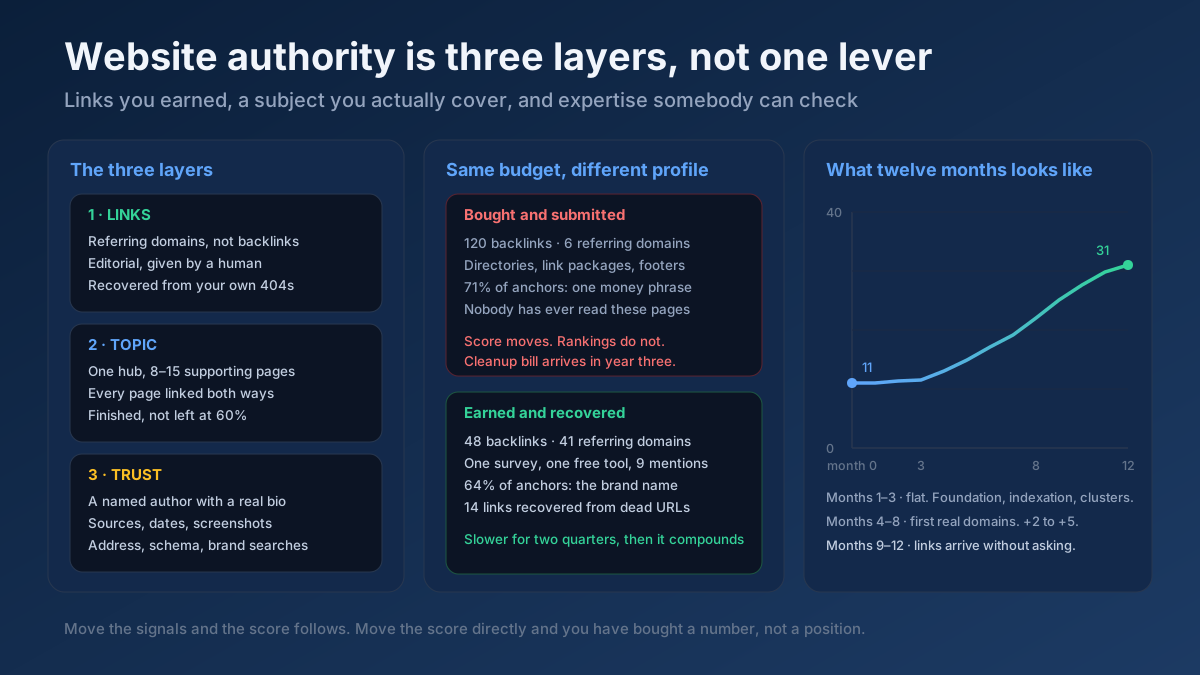 Link Building
How to increase website authority in 10 steps: what the score really measures, the link and content work that moves it, and how long each stage takes.
Read article →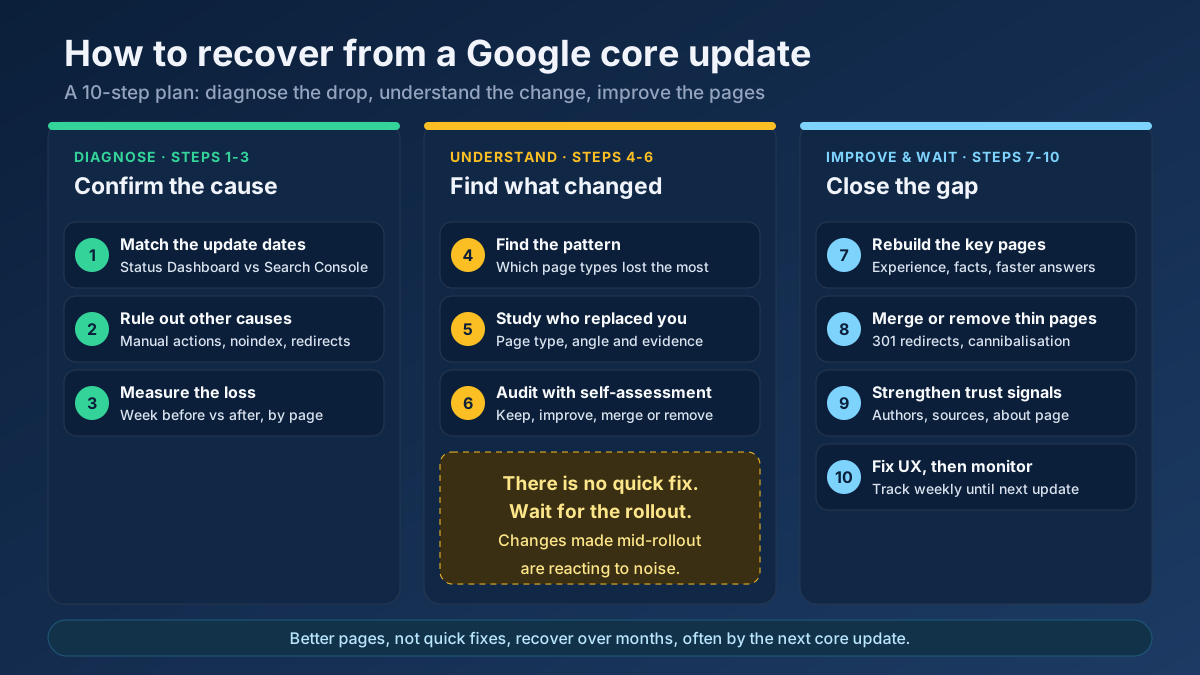 Analytics
Learn how to recover from a Google core update: confirm the drop, rule out technical issues, find the pages that lost and rebuild them in 10 clear steps.
Read article →Spammy links can drag your site down. Here is how to identify and disavow them safely.
Read article →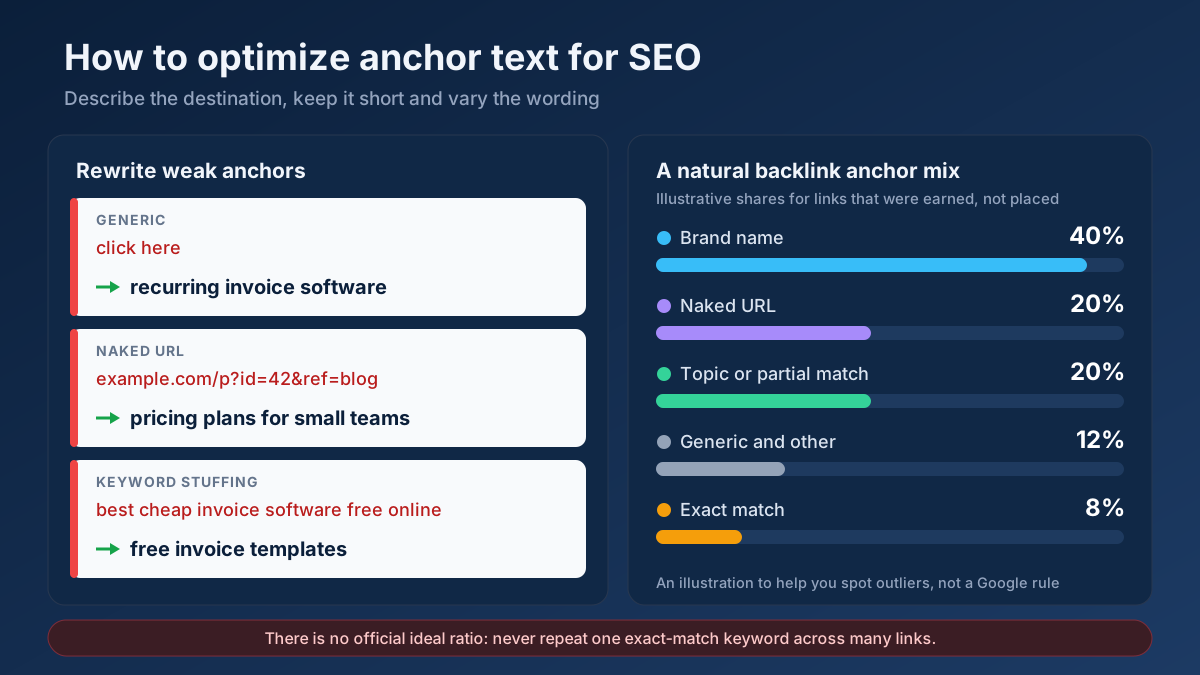 Link Building
How to optimize anchor text for SEO in 9 steps: anchor types, internal link and backlink rules, a natural ratio, rewrite examples and mistakes to avoid.
Read article →Paste your backlink list (e.g. from Search Console) and flag toxic, spammy or risky links with a toxicity score.
Open tool →See which domains link to any site, ranked by authority, from our own growing link index — then verify live whether specific pages really link to you, with anchor text, rel and status.
Open tool →Compare outbound link profiles of two competitor pages to find linking domains you could also target.
Open tool →See a domain’s past from the Wayback Machine: first archived date, snapshots per year as a chart, gaps when the site was down or abandoned, and the page title of every year so you can spot topic changes (for example gambling, then a blog) before you buy an expired domain.
Open tool →Check the Domain Rating (DR) of any website from our own link index: referring domains, their strength, the strongest linkers, follow/nofollow mix and how many links the next DR level takes. Compare up to 10 sites.
Open tool →Check real Domain Authority (DA) and Page Authority (PA) for any website, built on real link-graph authority data. See the raw authority index and global rank, and compare up to 20 domains at once — free, with no signup.
Open tool →